Ubiquiti UniFi Network Repair:
Switches, APs, Dream Machines, Cloud Keys.
UniFi is the dominant prosumer and SMB managed-network platform across NYC commercial: co-working spaces, boutique offices, apartment common areas, and multi-site retail. We service the full UniFi ecosystem including orphaned device adoption, controller database recovery, and PoE budget diagnostics on heavily-loaded switches.
Where UniFi Lives in NYC
UniFi built its dominant NYC SMB foothold on a specific trade-off: centralized cloud or self-hosted controller management at hardware prices well below Cisco or Aruba, with less enterprise-grade support when things break. For most NYC offices under 100 users, that trade-off is correct.
The service story is split: hardware is reliable and cheap to replace when something physically fails, but the controller layer (Cloud Key, UDM, or self-hosted UniFi Network application) is where most actual service calls live. Database corruption after power events, orphaned devices stuck pointing at dead controllers, and firmware auto-updates that break adjacent gear are the recurring themes.
The UniFi Hardware We See Most
The lines below cover the great majority of UniFi deployments across NYC commercial and residential.
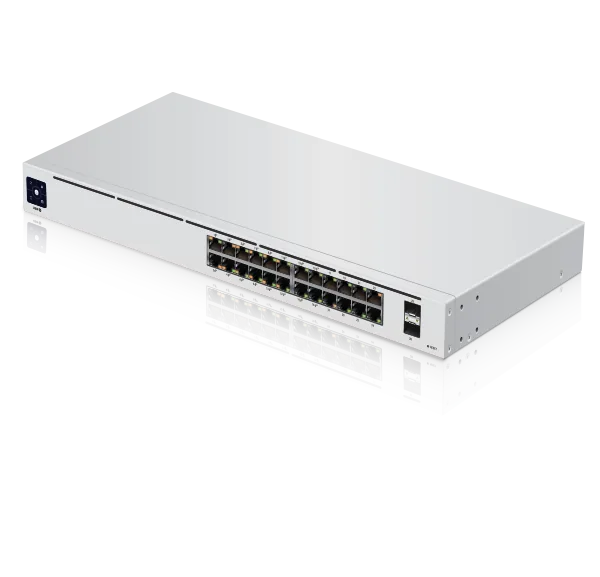
UniFi Switch (standard managed)
Core PoE and non-PoE managed switches forming the backbone of most UniFi deployments. Common at IDF closets and across floors.
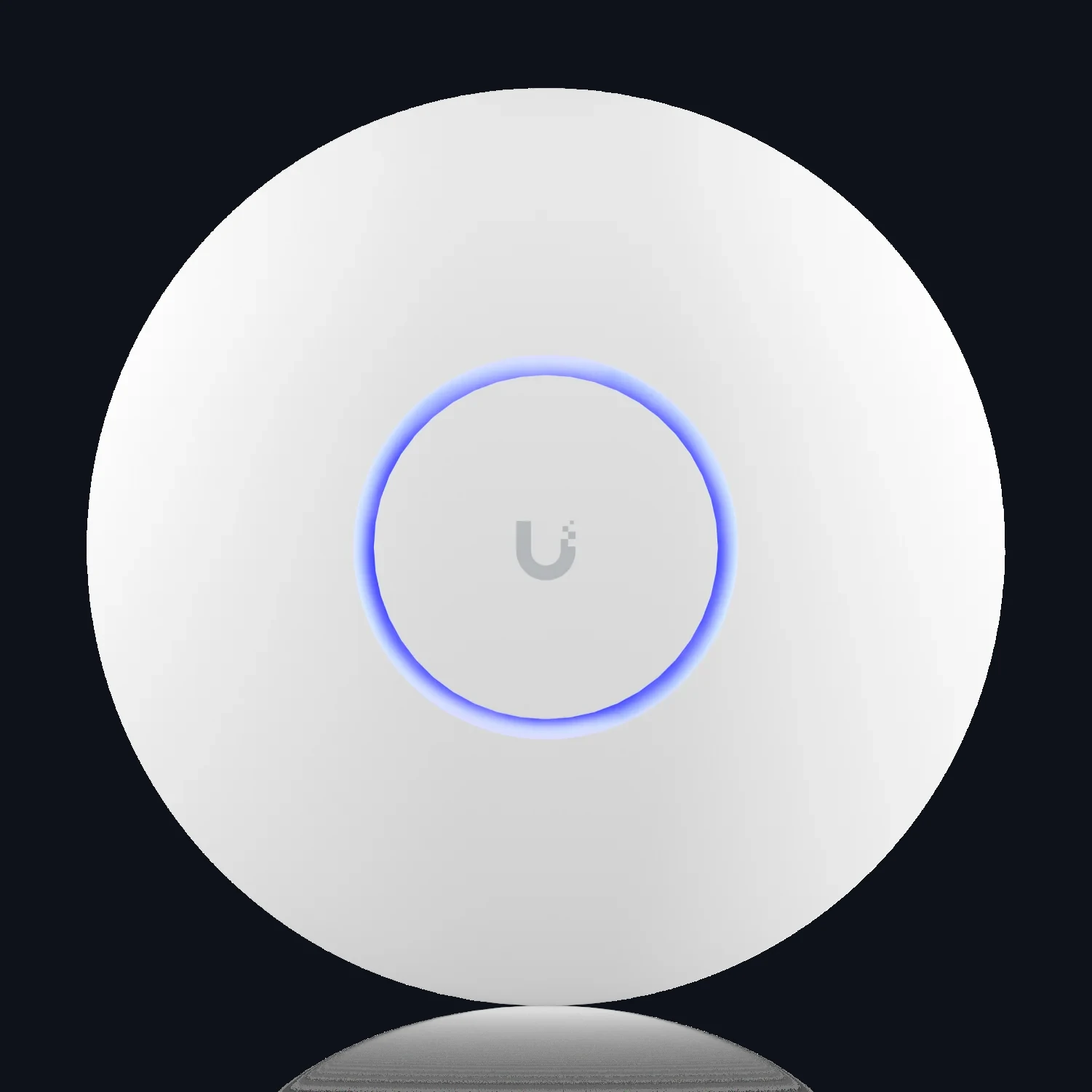
UniFi Access Points
Ceiling and in-wall APs covering the full UniFi WiFi 5/6/6E/7 generation. Highest-volume UniFi product in NYC offices.
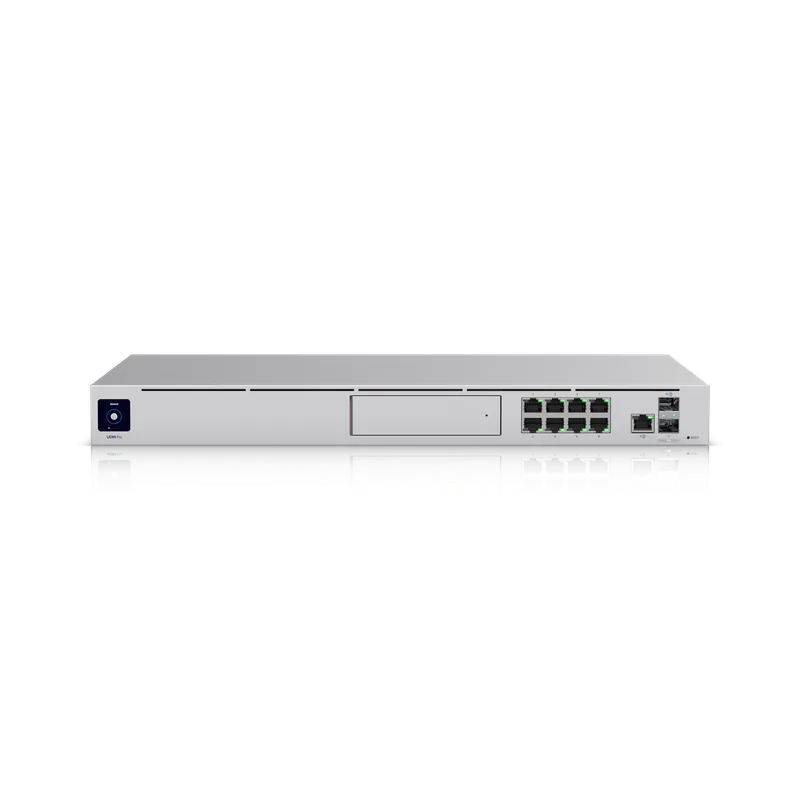
UniFi Gateway / Dream Machine
Edge routers combining firewall, DPI, VPN, and controller function. Replaces the older USG and separate controller model.
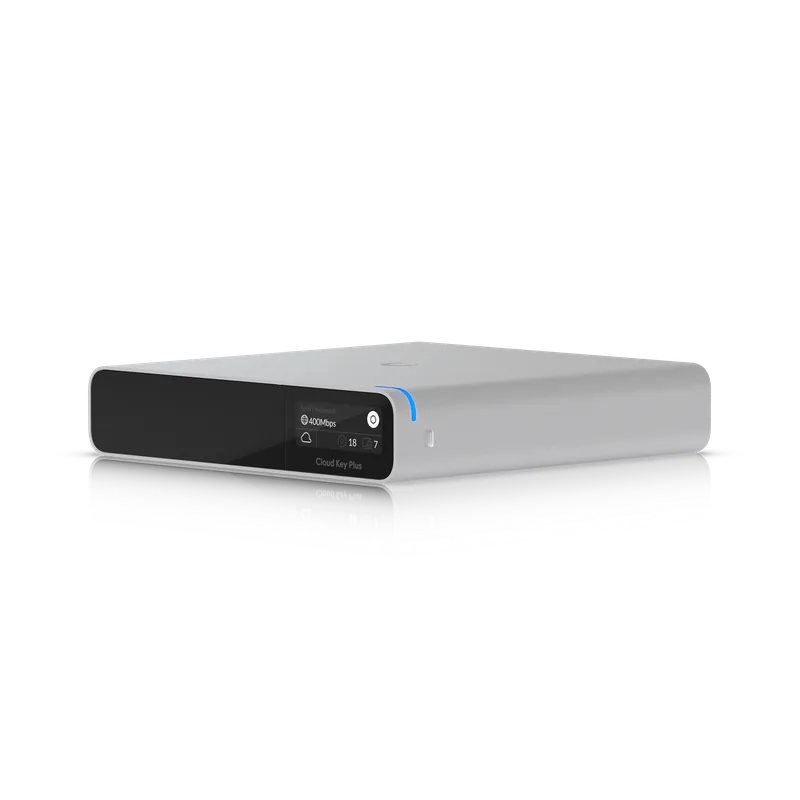
UniFi Cloud Key
Dedicated controller hardware for self-hosted deployments without a Dream Machine. Still common at legacy UniFi sites.
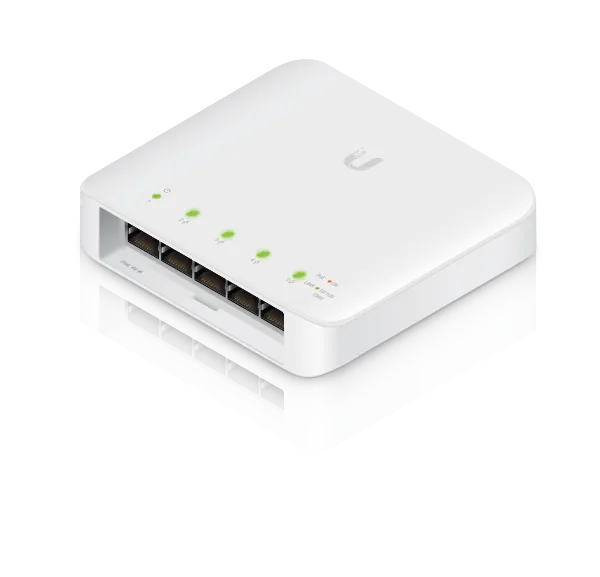
UniFi PoE Switches (Flex / Enterprise)
Specialty switch form factors for in-furniture, outdoor, or 2.5G/10G Enterprise applications.
What We See in the Field
UniFi failure patterns cluster around controller software and PoE budget more than hardware.
Cloud Key or UDM controller database corruption
Controller stops accepting adoption, logs show MongoDB errors, UI hangs or returns 500. Common after unclean power events where UPS runtime is minimal and the controller never shuts down gracefully.
Affects: UCK-G2-Plus, UDM-Pro, UDM-SE
Orphaned adoption after controller swap
Sites inherit APs and switches that still point at an old controller MAC/URL and will not re-adopt without SSH set-inform or TFTP recovery. Classic takeover scenario when a prior installer removed the controller without releasing devices.
Affects: All UAP-AC, U6-Pro, USW, USG models
PoE budget exhaustion on crowded switches
Adding one more AP or camera trips the switch into shutting down ports in rotation. Common in older offices where UniFi grew organically past the switch's PoE budget.
Affects: USW-24-PoE (95W), USW-16-PoE (42W), USW-48-PoE (195W)
Firmware mismatch after auto-update
A forced firmware push breaks compatibility between controller version and switch/AP firmware, leaving devices disconnected from management until controller is upgraded or device firmware is downgraded via SSH.
Affects: U6 and U7 series APs, USW-Pro series switches
Dream Machine WAN failover misconfig
UDM-Pro with dual-WAN set up poorly fails over to secondary but never fails back, leaving the site on expensive LTE for days until someone notices the bill.
Affects: UDM-Pro, UDM-SE, UXG-Pro
The Service Specifics
UniFi licensing is one-time hardware purchase with no recurring subscription for core features, which is the main reason NYC SMBs pick it. Cloud dependencies are optional: self-hosted controller works fully offline, but push notifications, remote access, and Teleport require Ubiquiti SSO account linkage.
Admin recovery on orphaned sites is possible via SSH set-inform or UniFi device reset-and-readopt as long as physical access exists. Genuinely locked-out UniFi sites are rare, which is a significant advantage over Cisco or Fortinet admin lockout scenarios.
The Legacy Install Base
Pre-current-generation UniFi gear still common in NYC commercial.
UniFi Security Gateway (USG and USG-Pro-4)
Pre-Dream Machine edge router line, still deployed in many NYC offices. No longer sold; we keep them running or plan the move to a current UniFi gateway.
UAP-AC Pro / Lite / LR series
WiFi 5 generation APs, extremely common in NYC co-working legacy installs. Still work with current UniFi controllers in most sites, but replacement with U6 or U7 APs is the usual upgrade path.
EdgeSwitch (ES-24-250W, ES-48-500W)
Ubiquiti's non-UniFi managed line. Still present in some NYC data closets but orphaned from UniFi controller management.
First-gen Cloud Key (UCK)
Older single-board controller. Still found in sites that never migrated to a UCK-G2 or a Dream Machine.
If Your Specific Problem Is...
For a specific UniFi symptom, these are the pages you want.
Network Down / No Internet
Full-office UniFi outage. Dream Machine, main switch, or controller side.
Outage repair → 02 / SymptomWi-Fi Dead Zones
UniFi AP coverage gaps, interference, or capacity problems in specific areas.
Wi-Fi repair → 03 / SymptomSlow Network / Bottlenecks
UniFi gear under-performing. Switch, AP, or Dream Machine throughput diagnostic.
Slow network →UniFi Repair FAQ
UniFi Install Need Service? We will Keep It Running.
Any model, any vintage, orphaned-adoption recovery included. Licensed and insured, and we work the controller side as well as the hardware.